












Zero integration maintenance
An integration an agent writes in code is code someone has to maintain and defend in a security review. With Engini the agent calls ready-made tools, and the connections are maintained for you.
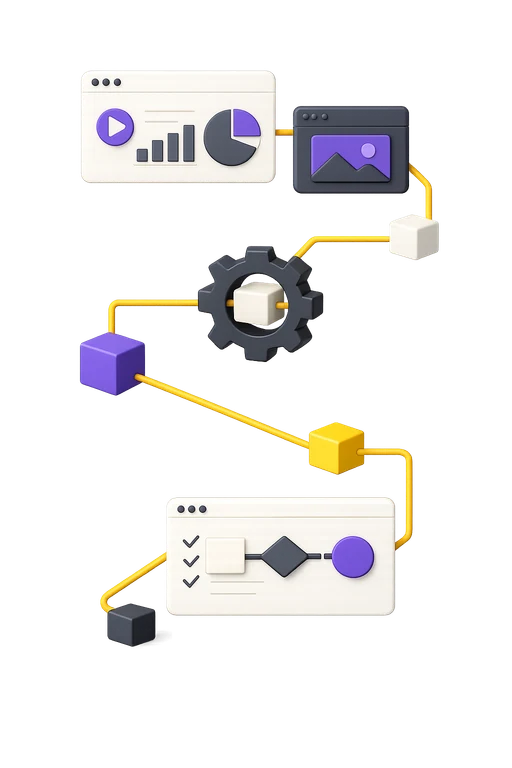
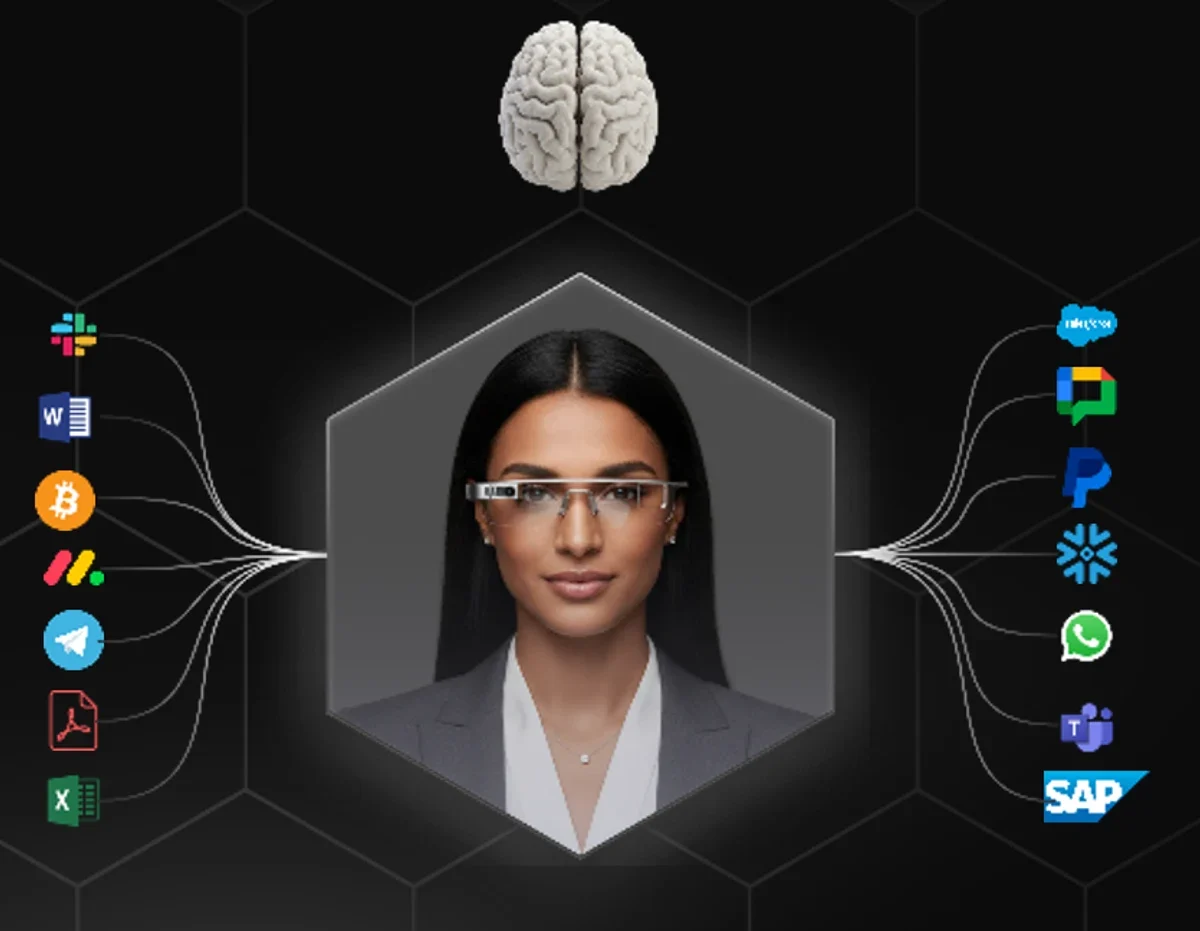
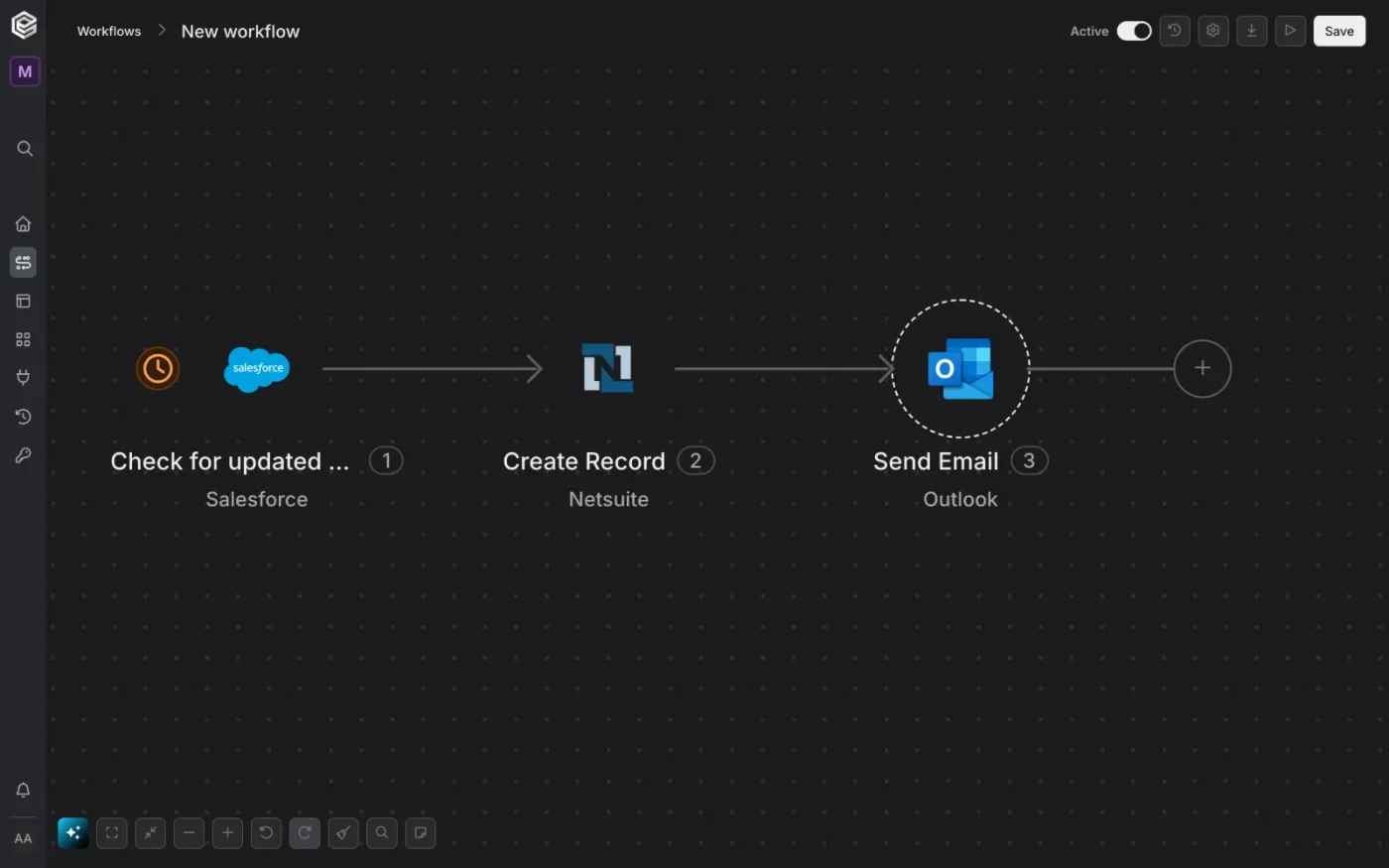
Engini sits between your AI agents and your ERP, CRM and legacy systems. Every call is scoped to what the agent may do, and logged. On the same connections you can also build no-code workflows, with agent steps, approvals and an audit record at every step. Agents work inside your core systems, and the organization keeps control.
An integration an agent writes in code is code someone has to maintain and defend in a security review. With Engini the agent calls ready-made tools, and the connections are maintained for you.
Each agent has a defined toolset, approval rules for sensitive actions and a full log. A confused or manipulated agent cannot get past the rules, because they are enforced outside the model.
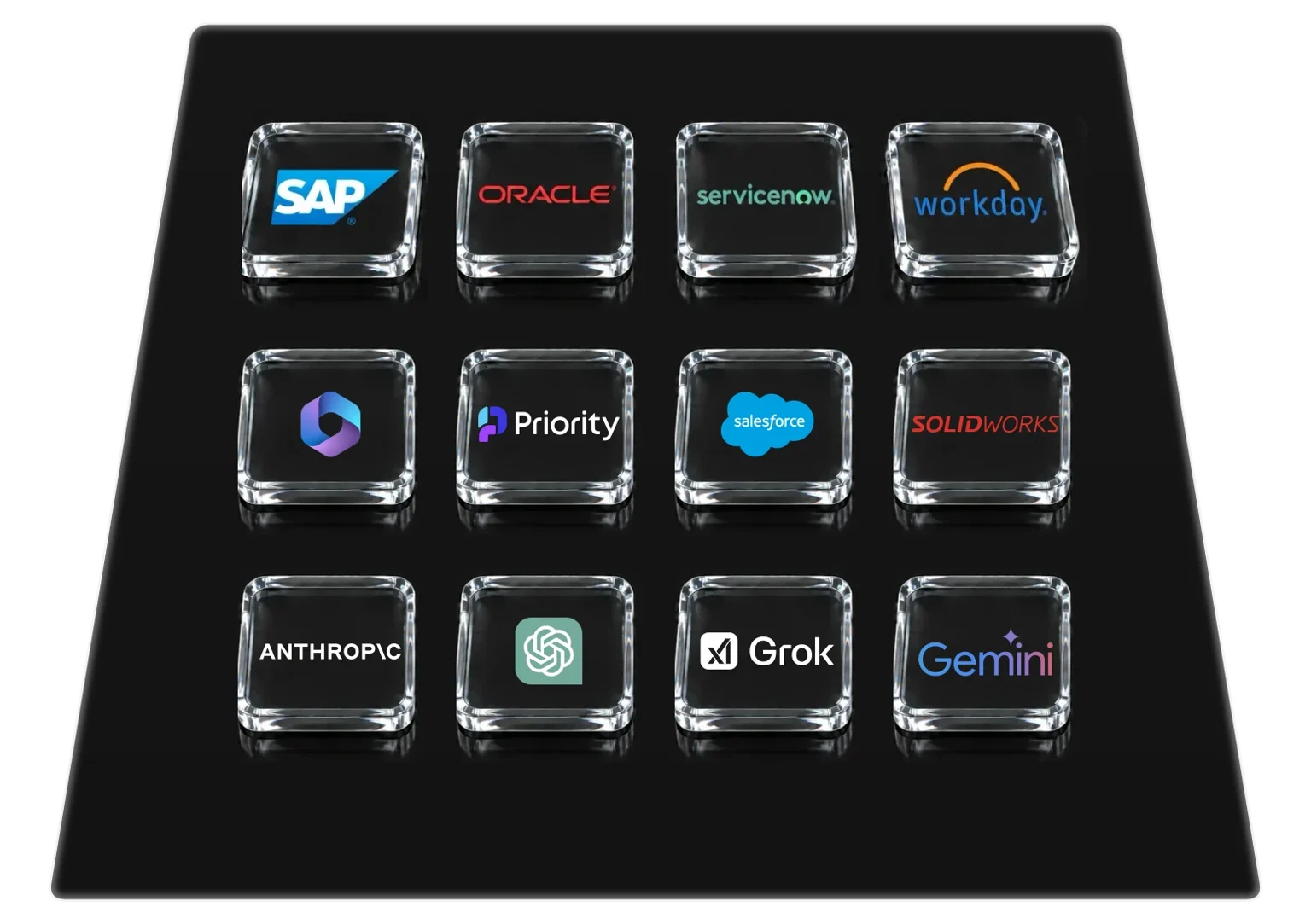
Tools are described from the live schema of your instance, including custom fields and objects, in SAP, Oracle, NetSuite, Dynamics 365, Salesforce, ServiceNow and more.
The agent calls prebuilt tools instead of reading API documentation, which makes each task cheaper and faster.
| Capability | Engini | Integration in code |
|---|---|---|
| Maintenance | Ready connections, maintained for you | Code someone has to maintain, and that breaks when the API changes |
| Permissions | A toolset per agent, read and write set separately | Broad access that is hard to limit and to prove |
| Passwords and tokens | Stored and refreshed in Engini, the agent never holds them | Keys kept in code or in the agent's settings |
| Approvals and audit | Approval rules and a full log of every call | Partial logs, no pause for approval |
| Changing a process | Visual canvas, versions and rollback | Rewriting and retesting |
Agents such as Claude, ChatGPT and Cursor call your systems through MCP, CLI, SDK (Python and TypeScript) or REST API.
An allowlist of tools per agent, with read and write permissions set separately. An action by amount, system or type pauses and waits for approval.
A log of the agent, user, tool, arguments and result, which you can export. Passwords and tokens are stored in Engini and the agent never holds them.
Build processes on a visual canvas or by chat, with version history and rollback. Connect systems behind the firewall with outbound-only connections and no inbound ports.
From the apps your team uses every day to the systems of record and databases behind your firewall, all under the same controls.
The apps your team lives in: email, chat, docs and sheets.
Your systems as you configured them. Engini reads each instance's live schema and custom objects and stays up to date: SAP, Oracle, NetSuite, Dynamics 365, Workday, Salesforce, ServiceNow and IBM AS/400.
No port opened, nothing exposed: the On-Prem Agent reaches databases, file drops and internal apps.
Mapping the operational, financial and business process, the systems the agent needs to touch and with which permissions.
Defining toolsets, approval rules, triggers and decision points in the process.
Connecting the systems, setting up the agents and processes, and testing against real data.
Going live, following the action log, alerts and tuning the processes over time.
Invoice intake, matching to purchase orders, approval by amount and ERP updates, plus order-to-cash and procure-to-pay processes.
Opening and handling requests and tickets, including ServiceNow tickets, analyzing the request and routing it to the right person.
A CRM update that turns into a proposal, and gathering market and customer information for a decision.
Code or canvas, your agents get the same connections. Security and IT set the rules for all of them.
You build with Claude Code, Cursor or Codex. Your agent reads and writes securely against any enterprise application, using the connection type, the user and the tools you choose, without you writing the integration.
You run the processes, not a development team. In Workflow Studio, agents work across your CRM, ERP, databases and support tools, including systems on your own servers.
Decide what agents may touch. Every call lands in the audit log, and single sign-on and roles decide who gets in.

Any agent that speaks MCP, or works through the CLI, the Python and TypeScript SDKs or the REST API. That includes Claude, ChatGPT, Cursor and Claude Code. You can swap an agent or a model without rebuilding the connections.
There is a broad library of ready connectors for ERP, CRM, HR and ITSM, and you can build custom connectors for REST, GraphQL and SOAP with OAuth 2.0, JWT or API keys. Systems behind the firewall connect through an On-Prem Agent using outbound-only connections.
Approval rules by amount, system or action type pause the process and route it to an approver. The rules are enforced outside the model, so an agent that is confused or tries to get around them cannot proceed.
A toolset for each agent, a full action log you can export (and, on Enterprise, stream to a SIEM), passwords and tokens never exposed to the agent, two-factor authentication, IP restrictions and role-based permissions. Engini holds SOC 2 Type II and ISO/IEC 27001, and complies with GDPR and HIPAA. Customer data is not used to train models.
You build and change it in Workflow Studio on a visual canvas or by describing it in chat, with no code. Each process keeps a version history with rollback, and every step is recorded in the log.
An agent asks to update a purchase order in SAP. Engini checks that the tool is allowed for that agent and account, injects the credential without the agent ever seeing it, updates the system and writes the agent, user, tool, time and result to the audit log.
We'd be glad to review with you which parts of your information systems are ready for an upgrade, and to propose technology solutions backed by decades of hands-on field experience.
Book a meeting