














Secure access to applications and vendors
Conditional access by identity, device, network, location and application, including external vendors and contractors, without a VPN or a proxy.
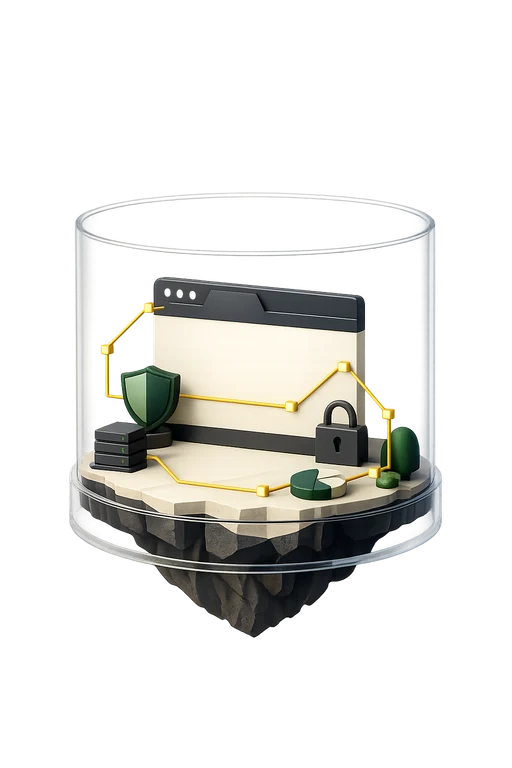
Island is an enterprise browser: access, security and experience in one environment, for every user on any device. It provides one control layer over applications, access to servers and the network, and the use of AI tools, and replaces separate security tools. You can deploy it as a dedicated browser, as an extension for Chrome, Edge, Safari and Firefox, or as an operating system agent, so users do not have to switch browsers.
Conditional access by identity, device, network, location and application, including external vendors and contractors, without a VPN or a proxy.
Context-based policies let data move between approved apps and block leakage: copy, paste, download, upload, print and screenshot, even outside the browser.
Control over the input and output of AI tools, blocking entry of sensitive data, and safe use of AI tools at work.
Create, save and retrieve passwords in one click, with a zero-knowledge architecture and no extra extension to deploy.
Conditional access by identity, device, network and location, and ZTNA to private apps, without separate agents.
Preventing copy, paste, download, upload, print and screenshot, on websites and in desktop apps.
Control over input and output, monitoring of prompts and prevention of data leaks to AI tools, next to a built-in AI assistant for writing and summarizing.
A built-in password manager, and protection for admin consoles and back-end access with a full record of the user, device and actions.
Beyond the core: protecting data, identities and private access, including what vendors and end users need.
Limiting copy, paste, download, upload, print and screenshot by context, even outside the browser.
Control over what goes into AI tools and what comes back, and safe use of AI tools at work.
Create, save and retrieve in one click, with a zero-knowledge architecture and no extra extension.
Access to specific apps only, with identity checks and limits on actions on data.
Checking device posture against policy, including apps such as Zoom, Slack and Teams, and secure access to private apps.
Protection from phishing, session hijacking and browser exploits, and a detailed activity log that can feed a SIEM.
Analyzing the organization's security requirements, regulation and access needs.
Mapping permissions, defining identities and designing the enforcement policy in the browser.
Running a pilot, deploying the components and connecting to existing systems.
Continuous technical support, operational guidance and later tuning of the policy rules.
Blocking the transfer of code and sensitive data to ChatGPT and other generative tools.
Controlled access to specific apps and servers only, with identity checks and limits on actions on data, without a VPN.
DLP for healthcare systems under HIPAA, trading apps and CRM in finance, and source code on personal devices.
Island works on the devices and browsers the organization already has.
The system monitors attempts to enter sensitive data, such as source code, financial data or personal information, into an AI tool, blocks the transfer and also scans the output that comes back. Alongside that is a built-in AI assistant for writing, research and summarizing, within the limits the organization sets.
No. You can deploy Island as an enterprise browser, as an extension for Chrome, Edge, Safari and Firefox, or for any Chromium-based browser, and also as an operating system agent. An extension does not always offer every capability of the full browser.
Access is granted by identity and role to specific apps and servers only, without a VPN or a proxy. Actions on data can be limited, and the vendor's activity is recorded for audit.
Context-based policies that allow data to move between approved apps and block leakage. Last-mile controls cover printing, downloads, uploads, screenshots and copy and paste, even in desktop apps outside the browser.
Yes. Users create, save and retrieve passwords in one click. Passwords are stored with a zero-knowledge architecture, and the capability is built in and needs no extension to deploy.
The system unifies remote access and ZTNA, data loss prevention, activity monitoring and analytics, password management and AI usage control under one policy engine.
Security policy applies to work sites only, and private browsing stays private. An on-screen indicator shows the user whether the session is monitored or private. Data is encrypted in transit and at rest, and the system is designed for GDPR and HIPAA requirements.
We'd be glad to review with you which parts of your information systems are ready for an upgrade, and to propose technology solutions backed by decades of hands-on field experience.
Book a meeting